



Transcripts you pay for by the minute, no subscription
Upload an audio or video file — or paste a YouTube link. You get a clean transcript with speaker labels and timestamps, ready to edit, search and export.
Credits never expire. No monthly minimum.
For interviews, lectures, podcasts and long-form video.
Upload a file and see for yourself
No account, no card. Upload an audio or video file — or paste a link — and see the transcript for yourself. A free account comes with 50 credits, enough for 50minutes of AI transcription.
See it in action
No plugin, ever breaks.
Works straight from your browser. No extension to install, nothing that stops working when YouTube changes its interface.
Credits never expire.
No subscription. Buy once, use whenever you need to.
One library, not a downloads folder.
Every transcript stays searchable, months later, in the same place.
Get every format, one price.
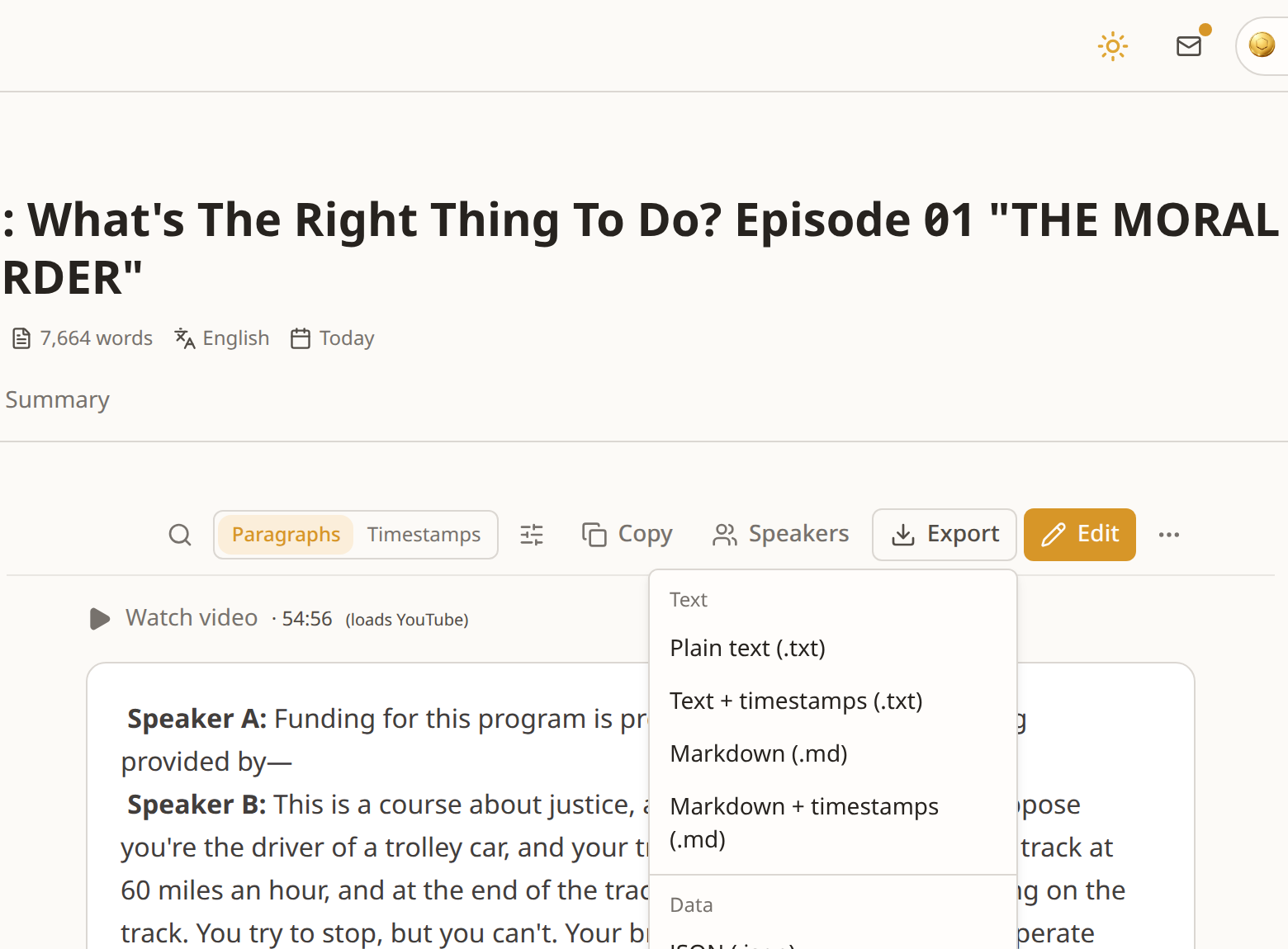
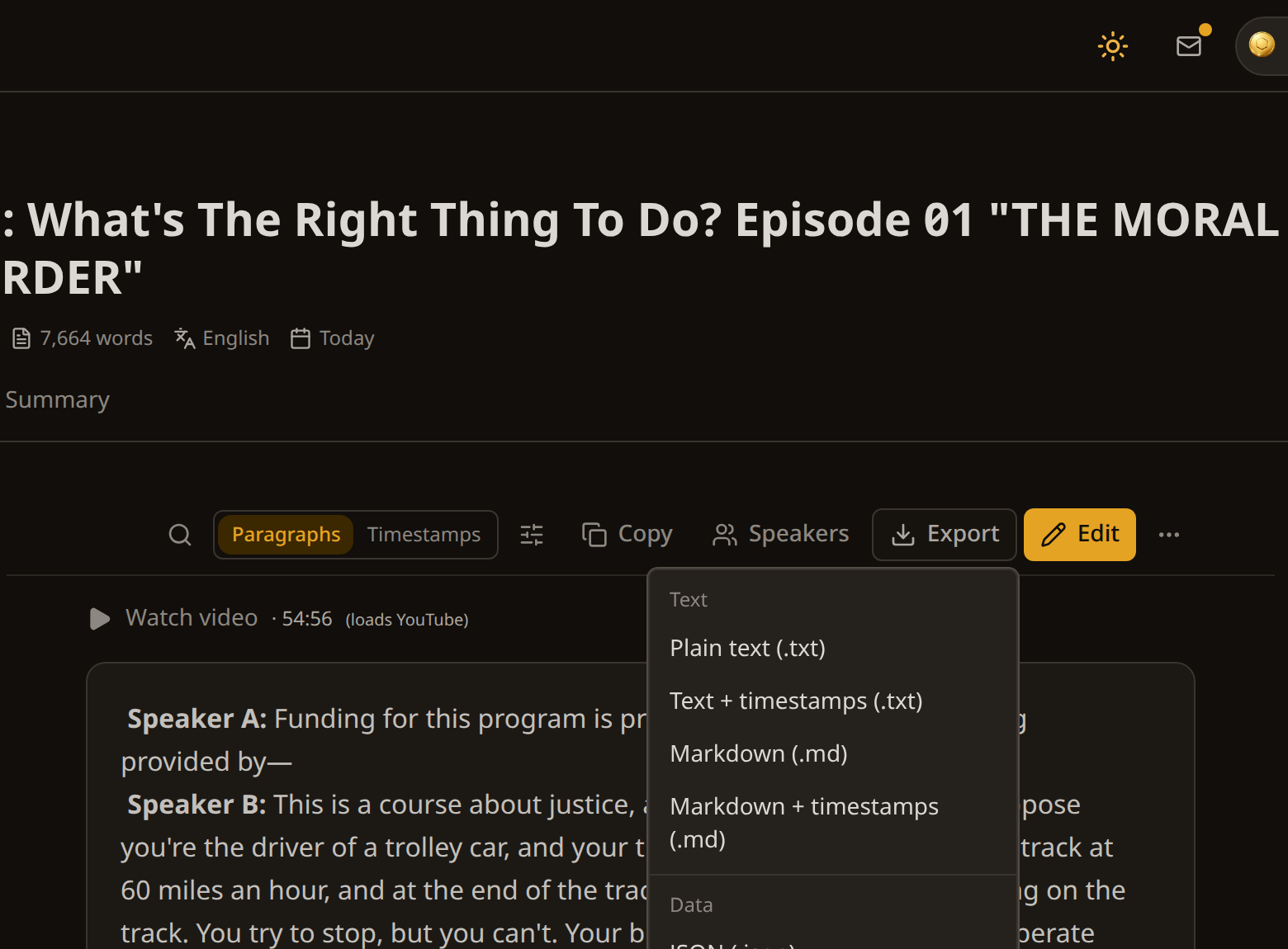
7 formats, 9 downloads, all included.
The problem is not getting the text. It is what happens after
You can find the words of one video in a dozen places. What you cannot find is all of them together, in the same format, still searchable next month.
That is what INDXR is. Not a converter you use once and forget, but the place your sources live: every transcript in one library, with the same structure, the same export formats and the same search across all of them.
What people bring to it
A course you want to read. Drop in a playlist and get every lecture as text, each with a chapter summary you can skim before deciding what to reread. Export the lot as Markdown and your notes app has the whole course in it.
Research interviews and source material. Speakers are separated automatically and you rename them to who they actually are, so a transcript reads as a conversation rather than a wall. Timestamps link back to the second something was said, so every quote is one click from its source, and the whole set stays together in one collection.
A video that needs subtitles. SRT and VTT built to the broadcast standard rather than chopped on character count, ready to drop into any editor.
Recordings you keep coming back to. Your own files, up to 10 hours each, transcribed and stored next to everything else.
Text you want to build on. Chunked JSON with timestamps and deep links, made for feeding a vector database instead of reformatting by hand.
What you get from a single transcript
More than the words.
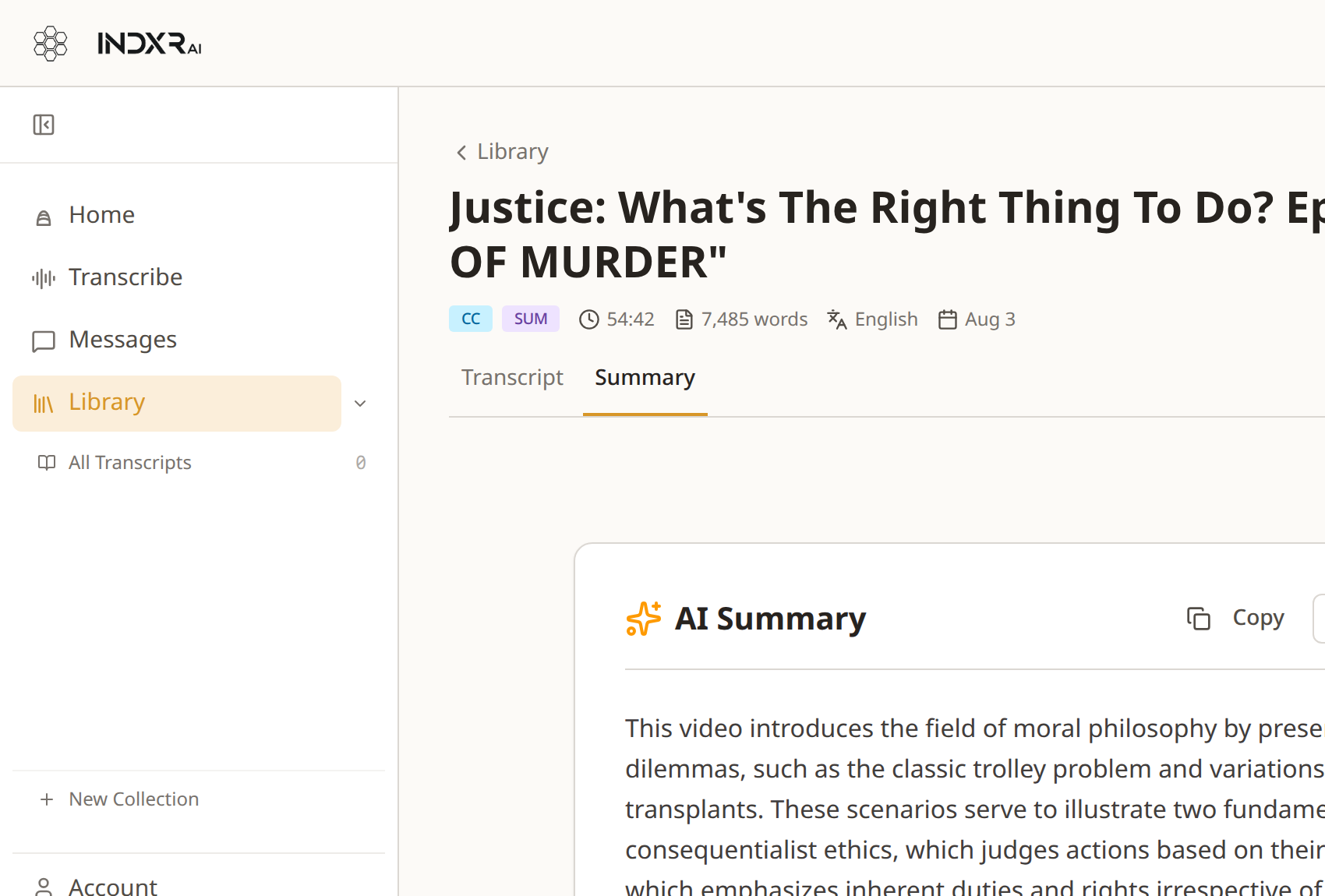
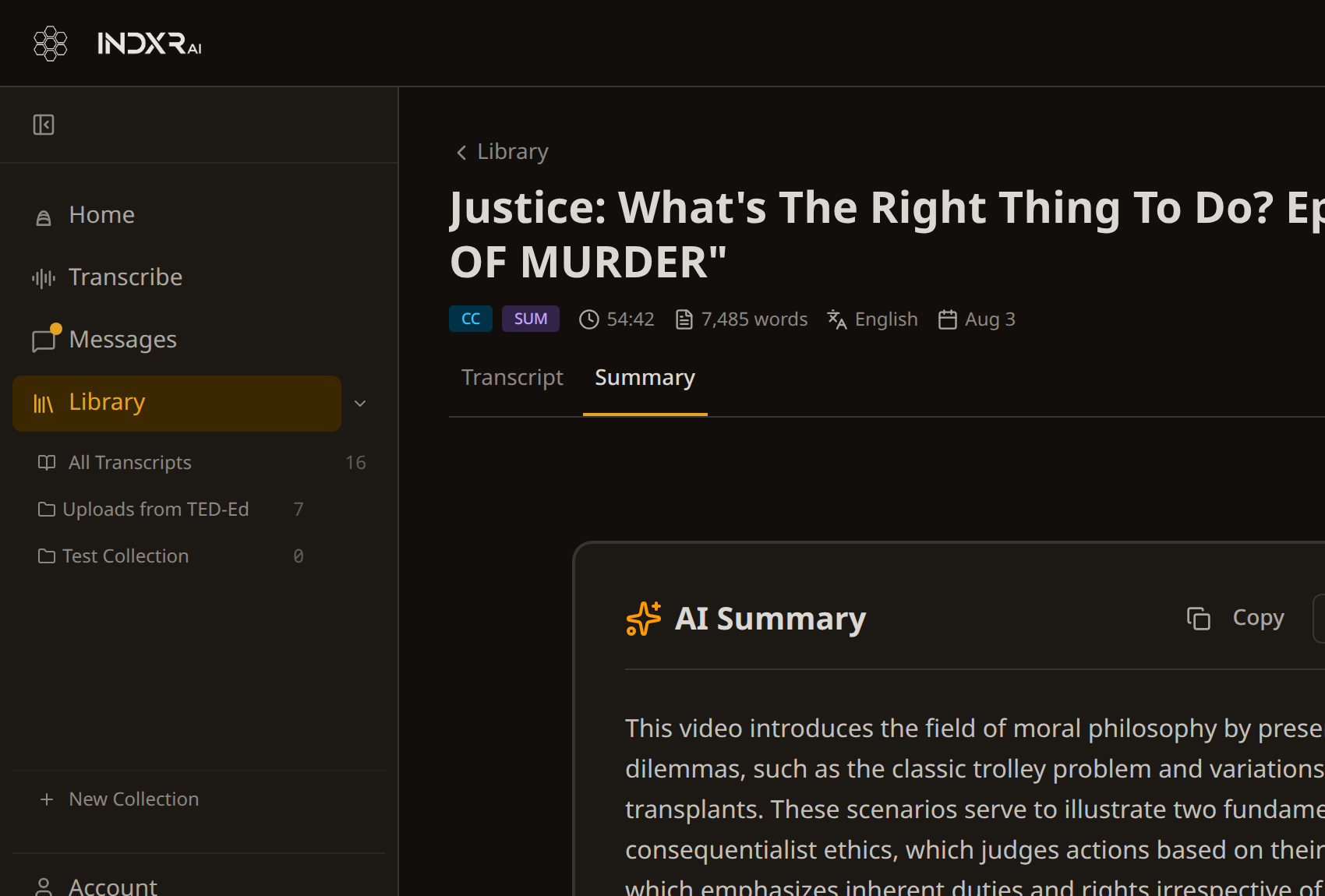
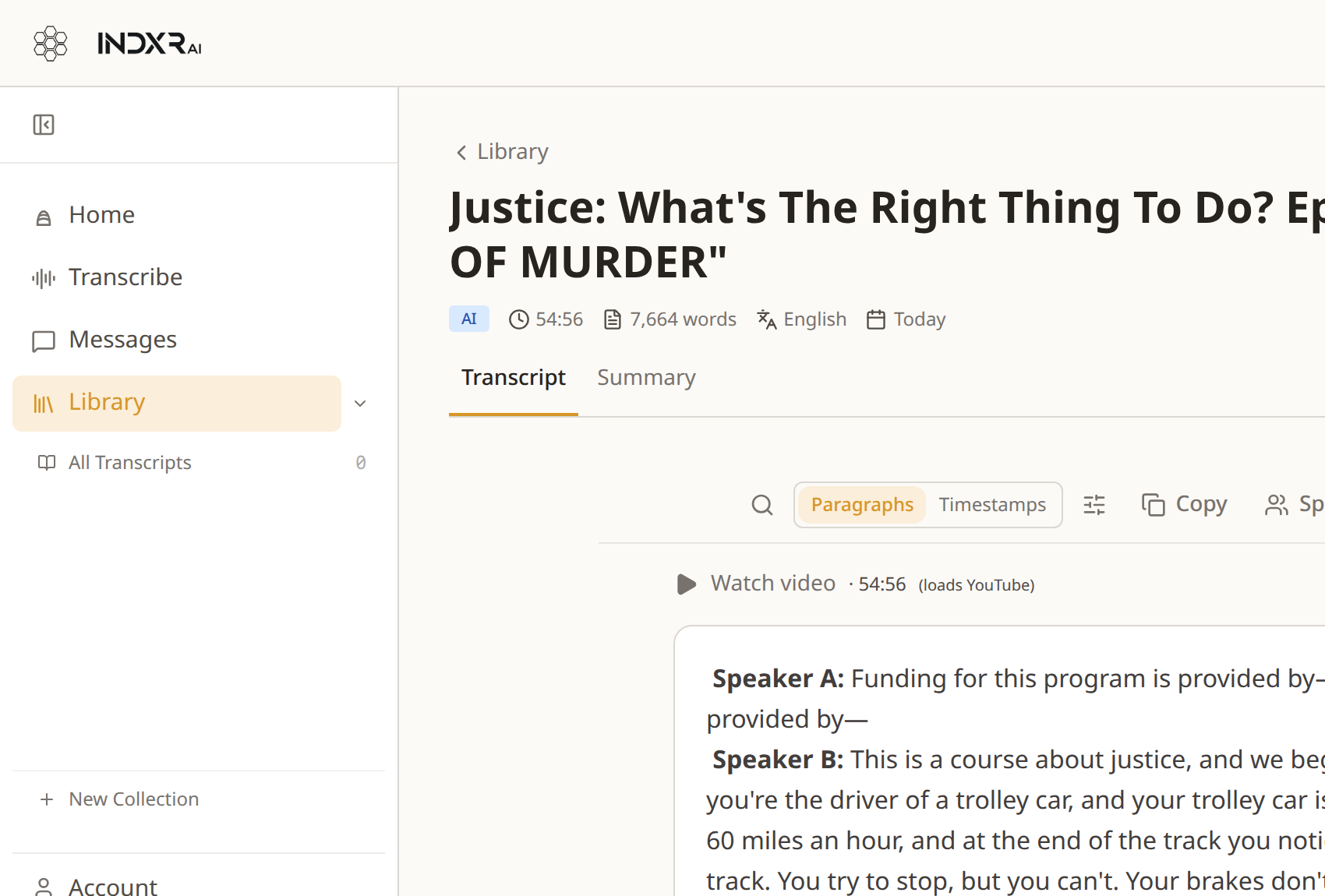
Read it properly. Real paragraphs instead of two-second fragments, with timestamps on or off.
Know who said what. Automatic speaker separation, with names you set yourself.
Get the shape of it. A summary broken into chapters, each with its own timestamp and worked-out notes.
Edit either of them. Both the transcript and the summary have an editor, and your edited version is kept alongside the original rather than replacing it.
Take it anywhere. 7 formats, 9 downloads. Plain text, Markdown with front matter, CSV, JSON, SRT, VTT. All of them included.
Your library, not your downloads folder
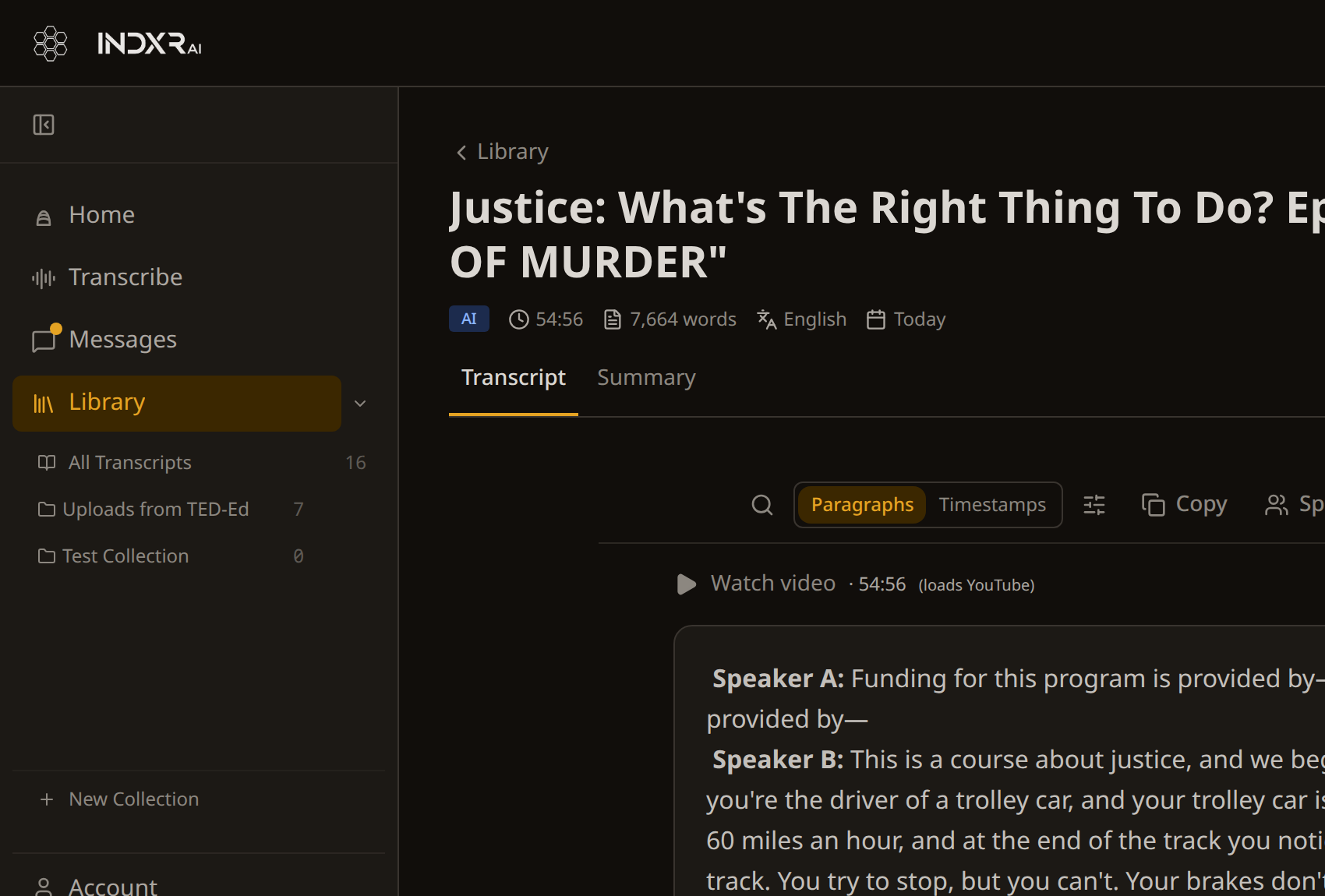
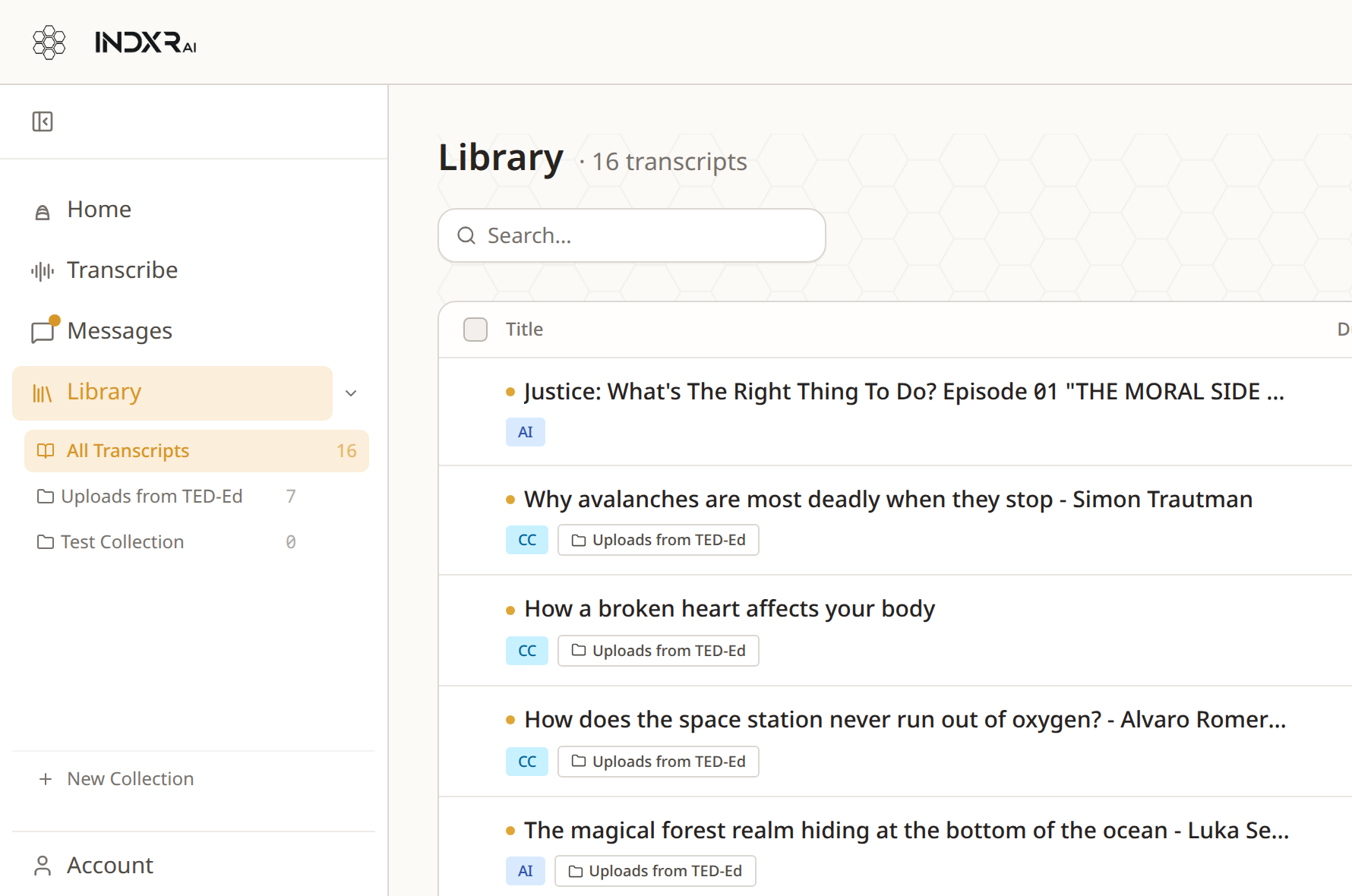
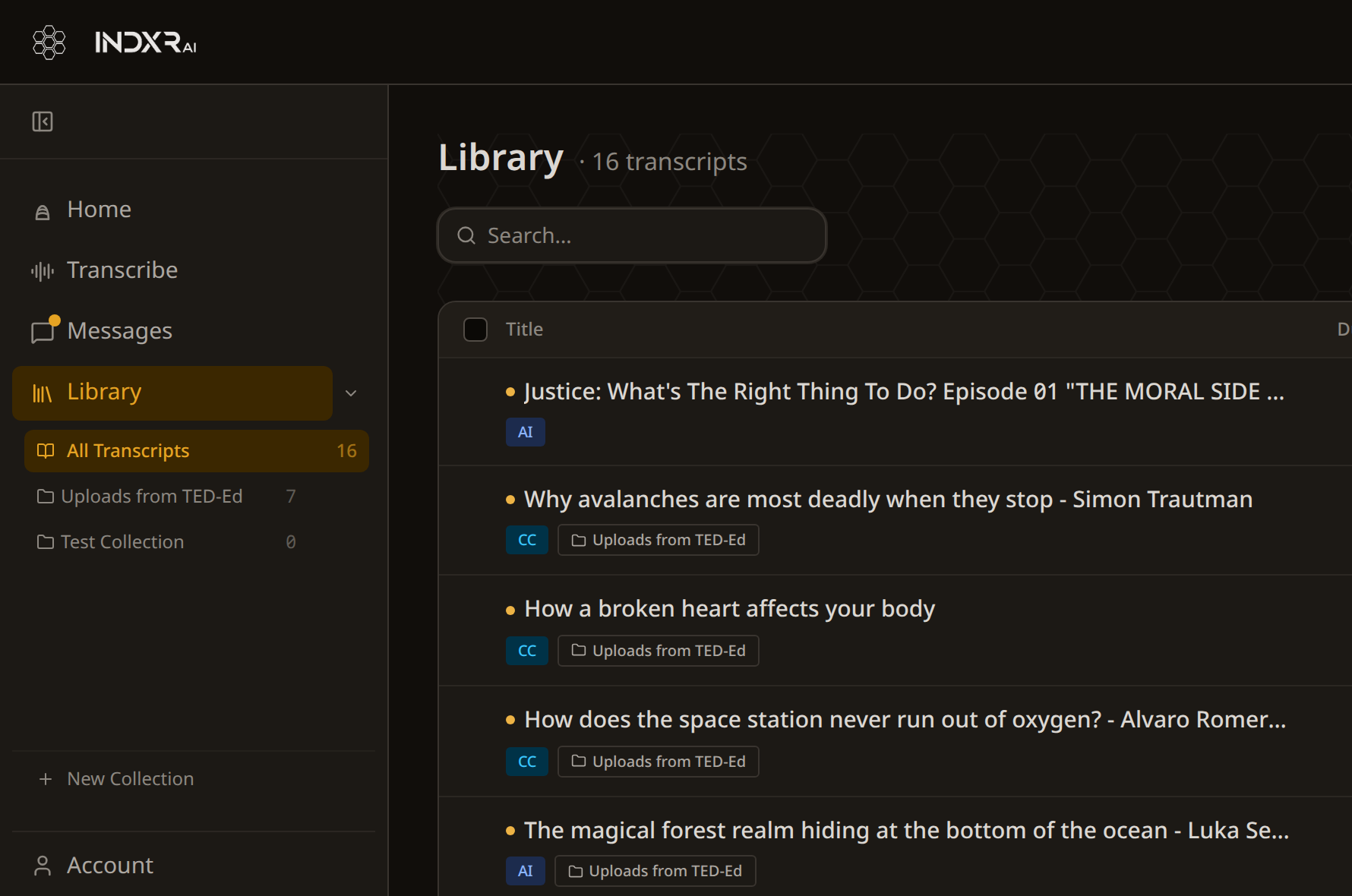
Everything you transcribe stays. Search across all of it, filter it, sort it, group it into collections per project or course. Export a whole collection at once as a zip.
The transcript you made in March is still there in September, in the same format as the one you made today.
What it costs
No subscription. You buy credits, you spend them when you need them, and they never expire. Come back after six months and they are still there.
| YouTube videos with captions | Free, no limit |
| AI transcription | 1 credit per minute |
| Chapter summary | 1 credit per 10 minutes of video |
| RAG JSON, for vector databases | 1 credit per 10 minutes of video, and the only export that costs anything |
| Every other export | Included |
A free account starts with 50 credits — and extracting captions from a YouTube video that already has them is free, however many you do.
Audio is deleted as soon as transcription finishes, everything runs and is stored in the EU, and payment is handled by Stripe.